Wondering what are some of the best laptops for remote work?
More than ever, people are joining jobs and companies where they do not have to enter an office. People are becoming digital nomads and working remotely over the internet that can provide them a nice income without having to stay in one place.
This is becoming more appealing to a lot of people who want to get out and see the world. In order to transition into this workspace, there is one major tool you’ll need–a laptop!
If you plan on being on the move a lot, or what to work outside your home, there are a couple of things to consider about a work laptop. How heavy will it be, what is the battery life if outlets aren’t available, what is the built-in memory, and similar questions.
Whether you have a job to work remotely or are a digital nomad traveling the world, here are some of the best laptops for remote work and digital nomads.
Quick Overview: Best Laptops for Remote Work 2022
For the hasty reader, this is a quick table overview of some of the best laptops for digital nomads and remote workers. More options and details below. If it’s your first time looking for a laptop on the go, I encourage you to read on for the things to consider when buying a laptop for working remotely.
Laptop | Price | ||
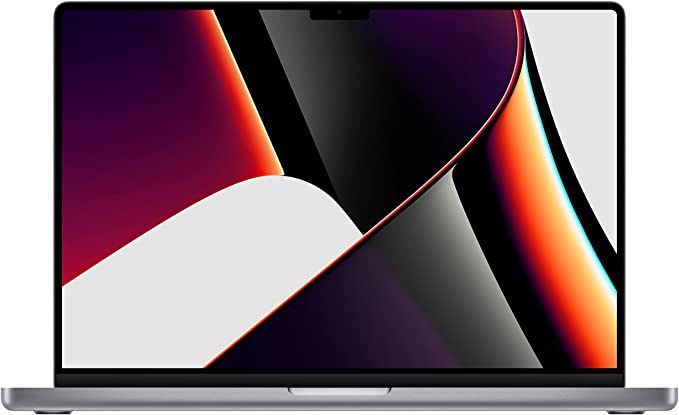 | Apple MacBook Pro Weight: 3 to 5 pounds (1.4 to 2.3 kg) | ||
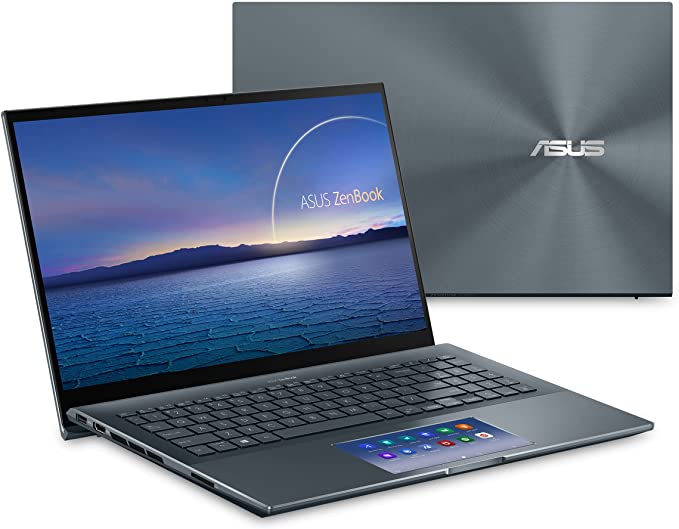 | ASUS Zenbook 15 Weight: 4.4 lbs (2.0 kg) | ||
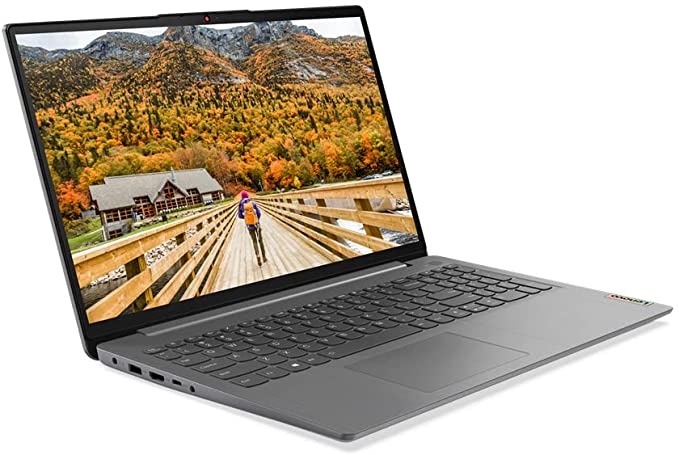 | Lenovo IdeaPad 3 Weight: 3.1 pounds (1.4 kg) | ||
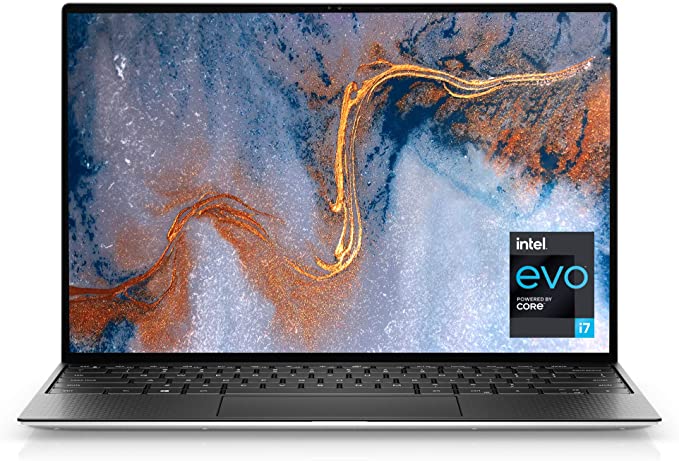 | Dell XPS 13 Weight: 2.8 lbs (1.3 kg) | ||
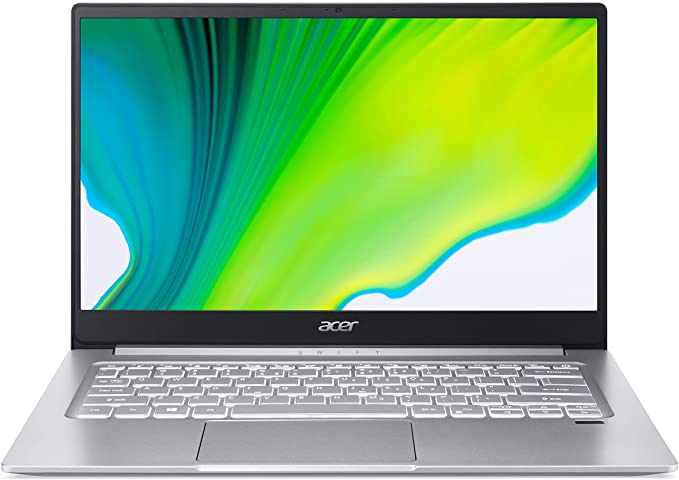 | Acer Swift 3 Weight: 2.7 lbs (1.2 kg) | ||
What to Consider in a Laptop for Working Remotely
Without diving into all the typical considerations, here are some factors that you probably want to prioritize or consider deeper when looking for a laptop for remote work or travel.
Weight of the laptop
Weight is probably the biggest factor to consider when looking for a laptop for working remotely. If you’re going to be carrying your laptop with you everywhere, you want it to be as lightweight as possible.
There are a lot of great laptops out there but you want to balance specifications with weight.
You will also likely be carrying this on during flights so this is also going to impact your carry-on luggage weight and space.
Dimension of the laptop
In the same realm of consideration, a laptop that is sleek and thin will be more convenient to carry around and take up less baggage space.
While most of us would appreciate a larger screen size, this also means more weight and bulk. You need to consider your remote work needs and your travel style, so it doesn’t affect your efficiency while still maintain a good level of portability.
Durability of the laptop
When considering a laptop for working remotely, you want to also think about its durability. How prone is it to being damaged or scratched as you bring it around?
If you’re going to be using it in more rugged environments, you don’t want it to easily get damaged. This will depend much on your travel style as well. You should also consider how well the laptop will hold up if it gets wet.
The balance between weight, dimension, and durability is often a dilemma. Laptop durability can be increased with external compliments like a laptop cover, screen protectors, etc.

Battery life
Another important factor to consider is battery life. You don’t want your laptop to die on you in the middle of a workday. This is especially if you like to work from random locations like cafes, on trains, or in airports.
Power sockets might not always be available, and you want to make sure your laptop has enough power to last you for a few hours.
Ideally, you want a laptop that can last at least 8 hours on a single charge. If you’re going to be working long hours from various locations, this is an important spec to look for.
If you like working on the go, consider getting a power bank like the Omnicharge that is strong enough to power your laptop.
A travel adaptor with multi-sockets or a portable power strip can also come in handy; these allow you to share a single power outlet with more people.
Ability to connect to other monitors
If you’re used to working on a dual monitor setup, you might want to consider getting a laptop that can connect to other monitors. This way, you can replicate your usual work setup without having to carry around another laptop.
One is to consider the connection ports available, with HDMI and VGA being the common ones. The other is simply checking if there are portable screens that can work with the laptop model. The ASUS Zenscreen is a popular portable monitor for remote workers and digital nomads.
Ease of repair
Something to also consider is how easy the laptop is to repair. If something goes wrong with your laptop, you don’t want to have to send it in for repairs and wait weeks for a replacement.
If you are going to be traveling around the world, it is ideal to have a machine that can easily be repaired in any country when it breaks down.
Best Laptops for Remote Work and Digital Nomads
Below are the 10 best travel backpacks for female backpackers, including their general pros and cons and specifications to help you pick the best bag for you!
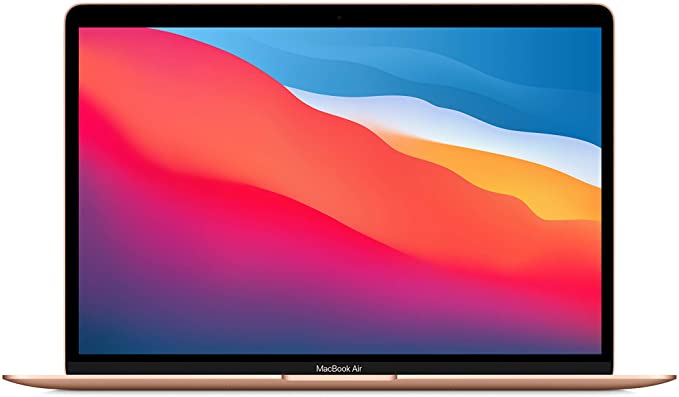
Apple MacBook Air 13 inch
- Weight: 3 pounds (1.36 kg)
- Screen Size: 13.3 inches (33.8 cm)
- Battery Life: 20 hours
- Memory: 8 GB
The most versatile machine, and one of the popular laptops for digital nomads. The Apple MacBook Air is a fantastic option for someone who wants something tried and true. It is a very reliable laptop with a sturdy build while still being light.
The battery life is also very impressive and it doesn’t drop Wi-Fi connections. If you want the best laptop for working remotely, you cannot go wrong with the MacBook Air.
Pros:
- There is amazing battery life on the MacBook Air, allowing you to work away from an outlet for longer
- It is a very lightweight laptop that fits in many totes and purses
- The display is vivid and clear
- You can edit photos or videos
Cons:
- On the pricier side
- No backlit on keyboard
Apple MacBook Pro
- Weight: 3 to 5 pounds (1.4 to 2.3 kg)
- Screen Size: 13.4 to 16 inches (34.0 to 40.6 cm)
- Battery Life: 17 to 20 hours
- Memory: 8 to 64 GB
Another reliable version from Apple, the MacBook Pro is considered by many to be the best laptop for remote work. There are tons of benefits to choosing an Apple product, such as customer support, connectivity with other Apple products, and a proven history of quality.
Many people go with the MacBook Pro over the Air if the main function of the laptop will be for media. The Pro is known to be better for video and photography editing both in terms of a high display and their performance.
Pros:
- The MacBook Pro is an investment laptop you will have for a long time
- Comes in 3 different sizes, 13, 14, or 16-inch screens
- Easy to use and reliable
Cons:
- Expensive if you don’t think you’ll get a good return on investment
- Larger ones are on the heavier side for performance laptops
ASUS Zenbook 15
- Weight: 4.4 lbs (2.0 kg)
- Screen Size: 15.6 inches (39.6 cm)
- Battery Life: 12 to 17 hours
- Memory: 16 GB
The ASUS Zenbook is the perfect laptop for those looking for a high-quality and thin laptop. The processor, Intel Core i7-8565U, is a tad outdated so you may find that the Zenbook isn’t as fast as other models. However, you can expect long battery life, which allows you to work outside or while on the move without the need to take out cords.
Pros:
- Considered Lightweight for the size of the laptop
- Long-lasting battery life
- Great storage
Cons:
- The price is on the higher end of laptops
- Processing strength is not as strong
Lenovo IdeaPad 3
- Weight: 3.1 pounds (1.4 kg)
- Screen Size: 14 inches (35.6 cm)
- Battery Life: 7 hours
- Memory: 8 GB
For a budget laptop, you cannot go wrong with the Lenovo IdeaPad 3. The display may not be bright enough for those that are working outside a bunch, and you may want to use your headphones for sound. But, the IdeaPad can handle business applications and is great for those working in business who don’t have a desktop monitor at their disposal.
Pros:
- Fingerprint scanner to log in
- Sturdy feeling without being bulky
- High performance
Cons:
- Battery life is not as long
- Display and speakers are not the best
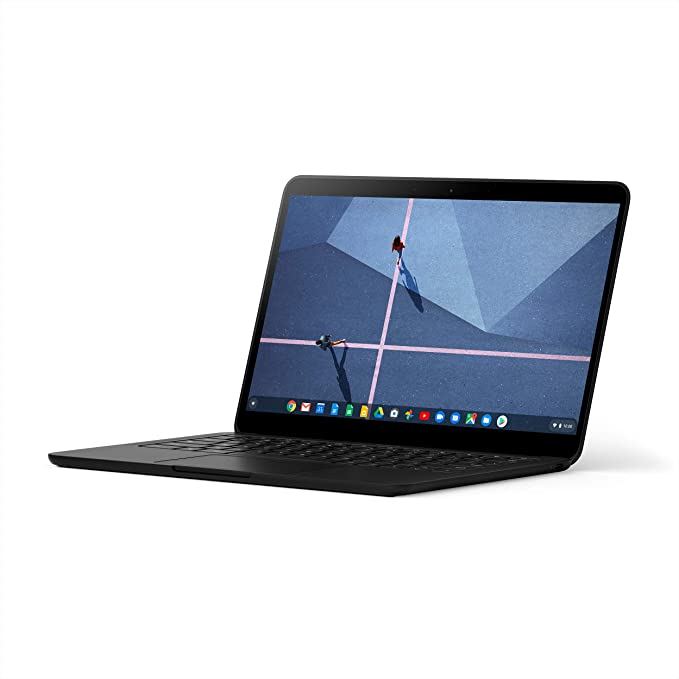
Google Pixelbook Go
- Weight: 2.4 lbs (1.1 kg)
- Screen Size: 13.3 in (33.8 cm)
- Battery Life: 12 hours
- Memory: 8 to 16 GB
Compared to other Google laptops, the Google Pixelbook Go is very affordable. But in order to be priced cheaply, some features that you may be looking for had to be sacrificed. If you really want something that is backed by Google, a Pixelbook is probably your best bet. It has a 1080p webcam (which isn’t the norm) and a silent “hush” keyboard that is also backlit.
Pros:
- Great battery life
- 1080p web camera comes standard
- “Hush” keyboard feature
Cons:
- No log in with face or touch ID
Dell XPS 13
- Weight: 2.8 lbs (1.3 kg)
- Screen Size: 13.4 inches (34.0 cm)
- Battery Life: 12 to 24 hours
- Memory: 16 GB
The Dell XPS is a good laptop. Dell is an affordable option for those that want all the bells and whistles. This is an awesome option for those that like to work outside–the display screen has an anti-reflective coating that will reduce glare. The display also comes with Dolby Vision, which is very high quality.
Pros:
- Long battery life
- Lightweight
Cons:
- Price on the higher end
Acer Swift 3
- Weight: 2.7 lbs (1.2 kg)
- Screen Size: 14 inches (35.6 cm)
- Battery Life: 11 hours
- Memory: 8 GB
The main issue with this laptop may be a digital nomad’s favorite feature. The screen on the Acer Swift 3 is wide, which makes the height of applications feel cramped. If you don’t mind that are looking to work on spreadsheets or edit media, that could be a bonus for you. It is a very lightweight laptop that can be easily carried around when you’re on the go.
Pros:
- One of the best values for price in a laptop
- Lightweight for the screen size
Cons:
- The battery does drain faster when using applications or video playback
- The display can feel cramped
Best Laptops for Working From Home
Some people may not be ready to transition to a digital nomad or work from anywhere. You may just want a reliable laptop that allows you to work from home or Airbnb that will still let you be flexible. Here are some of the best laptops for working remotely from home.
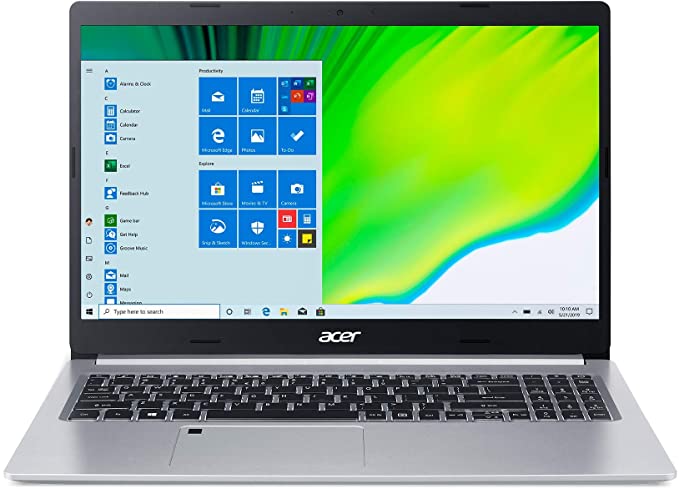
Acer Aspire 5
- Weight: 3.97 lbs (1.8 kg)
- Screen Size: 15.6 inches(39.6 cm)
- Battery Life: 7 hours
- Memory: 4 GB
The Acer Aspire 5 is the best laptop for remote workers that need to have a good web camera. With a built-in webcam, you can expect crystal clear communication as you talk to your coworkers elsewhere. A very affordable option, someone who is transitioning into remote work or knows that they don’t need anything too fancy will benefit from this laptop.
Pros:
- Great value for the cost
- Touchscreen
Cons:
- Not the longest battery life
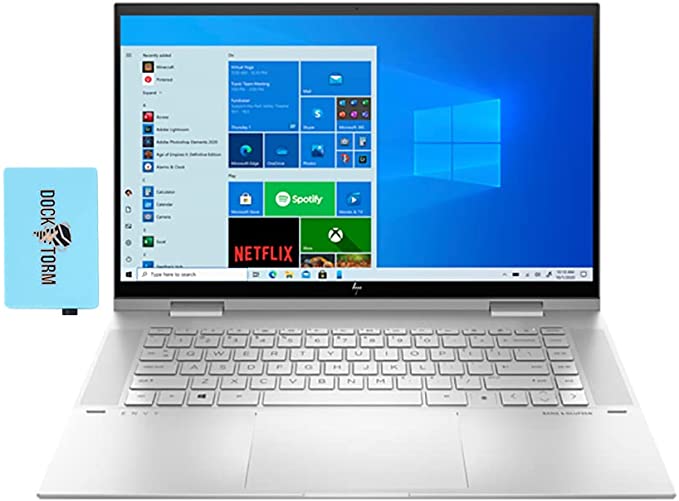
HP Envy x360
- Weight: 4.3 lbs (2.0 kg)
- Screen Size: 15 inches (38.1 cm)
- Battery Life: 8 to 10 hours
- Memory: 16 to 64 GB
If you are someone who works from home and is looking for a laptop that transitions from workstation to relaxation station, the HP Envy would be perfect. This model has a 360-degree swivel feature to turn your screen and create a tablet.
It also comes with a stylus and design features, so you can learn how to create digital art or take notes during meetings by writing. Compared to other swivel laptops, it isn’t too bulky and is still very lightweight.
Pros:
- A two-in-one laptop, the screen of the Envy can swivel and be turned into a tablet; it also comes with a stylus pen!
- Noticeably fast processor
- Keyboard is backlit
Cons:
- The swivel feature can at times feel delicate
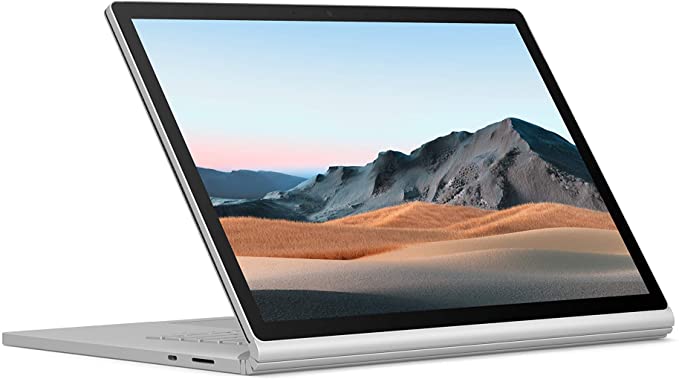
Microsoft Surface Book 3
- Weight: 8 lbs (3.6 kg)
- Screen Size: 13 to 15 inches (33 to 38.1 cm)
- Battery Life: 17 hours
- Memory: 8 to 32 GB
For those running a business, or those that need something that can withstand applications running and a million tabs open, the Microsoft Surface Book 3 will exceed your expectations.
It is comparable to the MacBook Pro in terms of performance, but it has a tablet mode in which you remove the screen from the keyboard. It also has a touch screen which is a fun feature a lot of people like. This is great for those that may still pop into an office at times and need something sturdy.
Pros:
- Great for those running a business
- Works with the Surface Pen
- Touchscreen and detachable keyboard so you can shift how you work throughout the day
Cons:
- This is a very heavy laptop and may not be ideal for those constantly on the move
- When the screen is detached from the laptop and you’re in tablet mode, the battery life is reduced (the big battery is housed in the keyboard)

Travel Considerations for Remote Work
If you plan to work and travel at the same time, you want to take your travel style into consideration when deciding your best laptop for remote work.
Check-in or Carry On
Do you have a check-in bag or are you carrying everything on? If you only have all your belongings on a carry-on, the weight and dimension of the laptop probably matter way more. You want to make sure it fits but stays with the size and weight restrictions of carry-on baggage.
Work From Home or Work From Anywhere?
Despite being nomadic, some digital nomads like to base themselves in a temporary home for an extended period of time and travel from there. This gives them the benefits of a base and some flexibility. If you plan to work mainly from a home base, then you might be carrying your laptop around as much.
As mentioned, if you are someone who likes to work from cafes or on the go, then battery life can be a big consideration because you are not sure if you will always have access to a power socket.
Adventure or City Travel?
Do you foresee carrying your laptop into nature. Maybe you like camping or are a nature photographer who likes to spend long periods in nature and still have access to your devices. Durability might be very important then. Or are you travel by boat or van for an extended period. These different styles of travel can all warrant priorities of different specifications.
Determining the Best Laptop for Remote Work and Travel
There are plenty of laptops out there that can be the best laptops for digital nomads. If you are just getting into this type of work, it may be worth it to get something more affordable. For those who have fully made the transition and need reliability, a laptop with long battery life is a must. Figuring out what are your prioritise will help you to determine the best laptop for you.
LIKE THIS POST? PIN IT FOR LATER!


